In the dynamic world of design and engineering, continuous learning and validated skills are paramount. Just as with any specialized field, pursuing CAD certification offers a multitude of pathways, from established academic institutions to innovative online platforms. While individual talent and ingenuity undoubtedly contribute to professional success, the formal academic tools and certifications you acquire are often decisive in opening doors and accelerating career growth.
Choosing the right CAD certification program is a critical decision that can significantly impact your professional trajectory. This guide will walk you through essential considerations to help you select the optimal path for your CAD education.
What is Computer-Aided Design (CAD)?
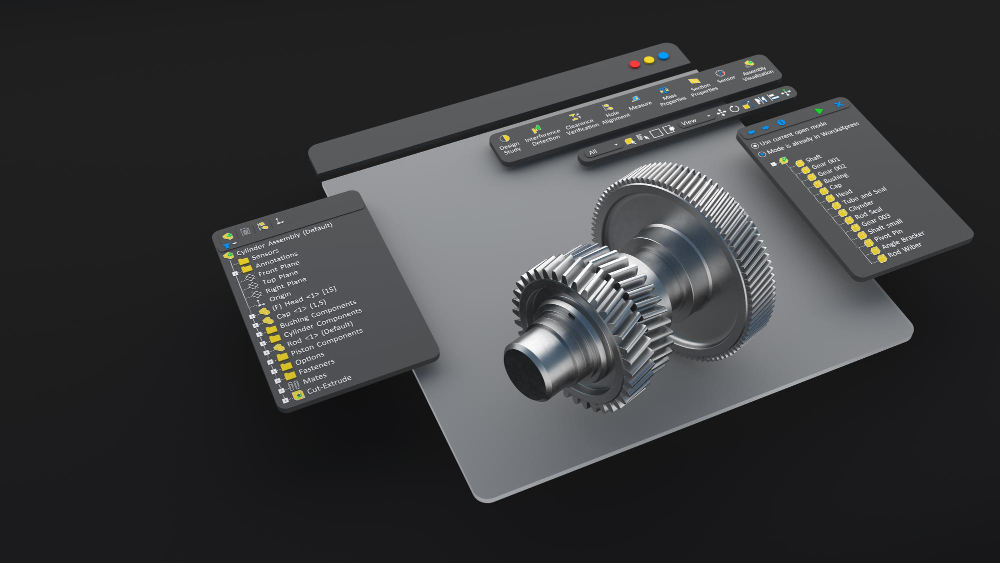
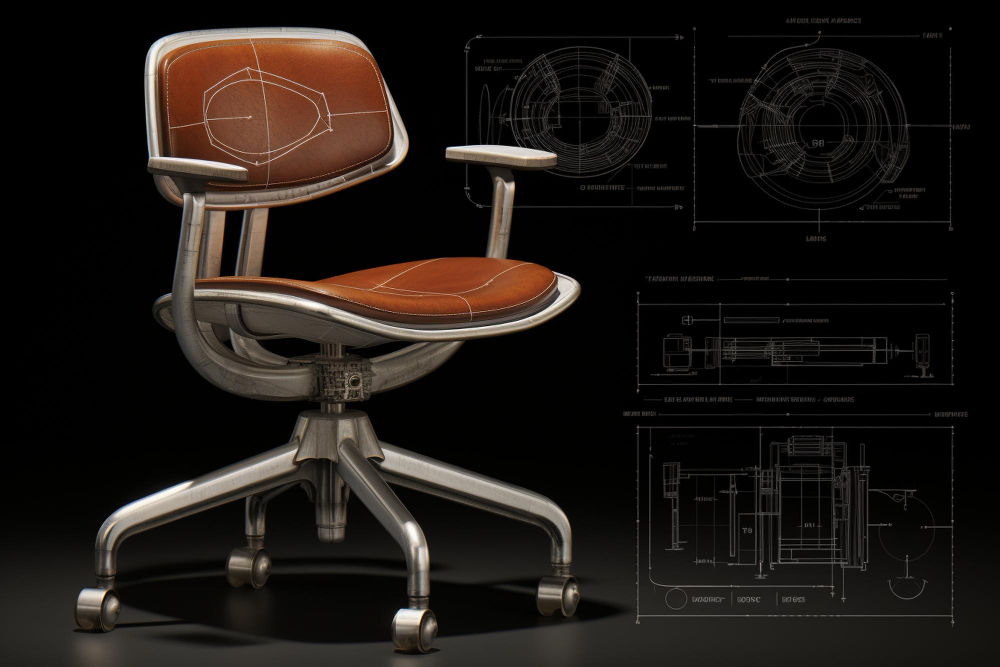
Before diving into certification, it’s crucial to understand the foundation: what is CAD, its core applications, and the industries it serves? At its essence, Computer-Aided Design (CAD) is software used by designers, engineers, and architects to create, modify, analyze, or optimize a design. CAD software facilitates the creation of both two-dimensional (2D) and three-dimensional (3D) digital models of physical objects.
The acronym CAD stands for Computer-Aided Design. This powerful software enables the precise design and prototyping of components, products, and structures through detailed 2D drafting and advanced 3D modeling. These digital designs serve as blueprints for manufacturing, construction, mechanical equipment, and various other industrial applications. Professionals across numerous fields rely on CAD, including:
- Architects
- Mechanical Engineers
- Civil Engineers
- Product Designers
- Industrial Designers
- Animators and Visualizers
CAD tools are indispensable for conceptualizing ideas, capturing intricate design specifications, and developing original objects with unparalleled accuracy and efficiency.
The CAD Revolution: Transforming Design and Engineering
The introduction and widespread adoption of CAD software marked a paradigm shift in design and engineering. Prior to this, all designs—from the simplest component to the most complex architectural structure—were meticulously crafted by hand. This manual process was inherently time-consuming, prone to human error, and could extend project timelines for weeks, even with rigorous checks and re-checks.
Traditional design offices were characterized by vast drafting tables, where architects, engineers, and designers would painstakingly render their visions onto large blueprints using pencils, rulers, and sheer dedication. The advent of personal computers, much like the impact of word processing software on general office work, brought a similar, if not greater, revolution to the design world.
CAD technology rapidly transformed these traditional workspaces, replacing cumbersome drafting tables with efficient digital workstations. The benefits were immediate and profound:
- Dramatic Time Reduction: Design cycles, once measured in weeks, were reduced to days or even hours.
- Near-Zero Error Margin: Digital precision virtually eliminated calculation and drafting errors.
- Enhanced Experimentation: Designers could easily iterate on multiple versions of a design, optimizing and refining before final selection.
- Resource Libraries: Access to extensive libraries of templates, figures, molds, and previously executed designs drastically accelerated the design process and ensured consistency.
The impact of CAD was truly radical, empowering professionals with tools for unprecedented efficiency, accuracy, and creative freedom.
The Power of CAD Libraries
A significant advantage of CAD software lies in its comprehensive libraries. These are essentially digital databases containing pre-designed components, standard parts, assemblies, and even full project templates. CAD libraries can be categorized as:
- Personal Libraries: Curated by individual designers to store frequently used parts, unique creations, or stylistic elements.
- Company Libraries: Maintained by organizations to ensure consistency across projects, house proprietary designs, and provide quick access to approved components for team members.
- Public/Standard Libraries: Widely accessible databases featuring industry-standard components (e.g., fasteners, bearings, structural elements) that adhere to international specifications.
Designers leverage these libraries to streamline workflows, rapidly integrate proven components, and maintain design integrity. By providing access to everything from minute fasteners to complex sub-assemblies and complete finished designs, CAD libraries dramatically reduce redesign time and enhance project efficiency.
Furthermore, reputable CAD certification programs often include access to essential CAD software and a dedicated library of resources, allowing students to gain practical experience with industry-standard tools and components.
Understanding Different CAD Certification Levels
Similar to learning a new language or mastering any complex skill, CAD certification programs are typically structured into progressive levels. Your prior experience and proficiency with CAD software will determine the most suitable starting point:
- Basic Level Certification: Ideal for beginners with little to no prior CAD experience. This level focuses on fundamental concepts, navigating the software interface, basic sketching tools, creating simple 2D drawings, and understanding core modeling principles.
- Intermediate Level Certification: Designed for users who have a foundational understanding of CAD and wish to expand their skills. This level often covers more complex 3D modeling techniques, assembly design, advanced drafting, basic simulation, and collaboration features.
- Advanced Level Certification: Targeted at experienced CAD professionals seeking to master specialized functions, advanced analysis tools, surface modeling, parametric design, automation, and industry-specific applications. This level validates expertise in tackling complex design challenges and optimizing workflows.
When selecting a certification program, honestly assess your current skill level to ensure you choose a course that challenges you appropriately and builds upon your existing knowledge, setting a clear path for professional development.