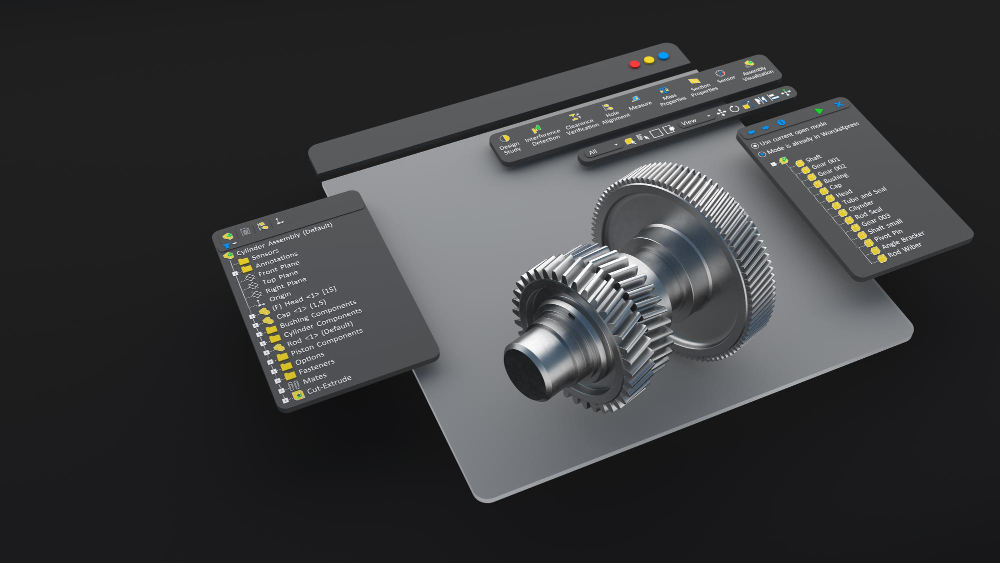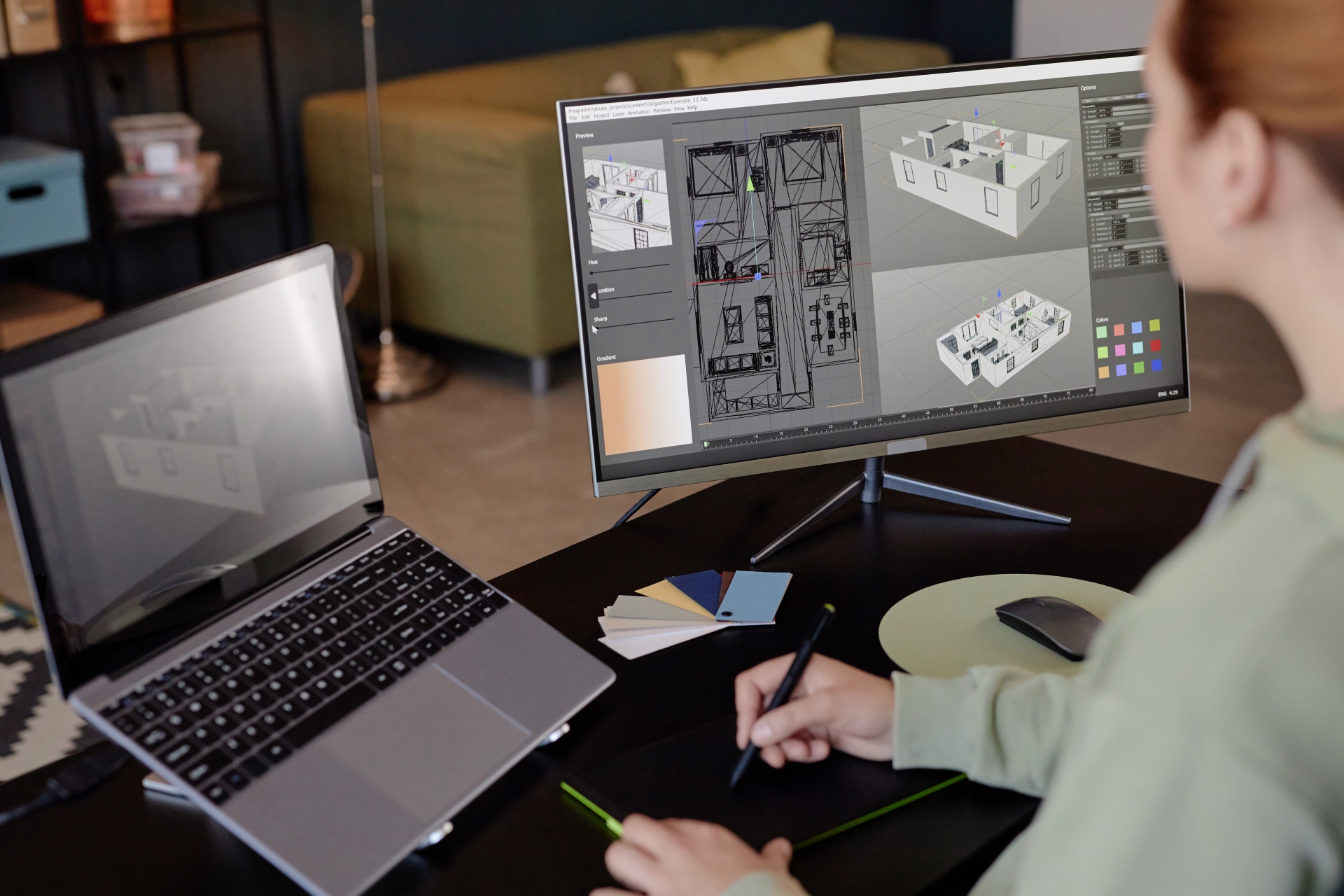
In the demanding world of 2D and 3D modeling, precision and efficiency are paramount. Just as your design skills must meet high professional standards, so too must your equipment keep pace with technological advancements. Today, engineers, architects, animators, and design professionals—or even enthusiastic hobbyists—are increasingly investing in optimized software and hardware to dramatically enhance performance, boost productivity, and gain a competitive edge.
This pursuit of excellence leads us directly to the **CAD Workstation** – an indispensable tool for any serious designer, alongside essential peripherals like CAD mice. This comprehensive guide will walk you through the critical factors to consider when selecting a high-performance CAD Workstation, exploring various options tailored to your budget, specific design needs, and workload. To truly unlock the full potential of advanced CAD software like SolidFace, understanding how to configure a robust machine is key.
Whether you’re a dedicated SolidFace user or work with other high-quality CAD platforms, optimizing your workflow is always a priority. To truly maximize efficiency and leverage every powerful functionality SolidFace offers, a robust **CAD Workstation** is non-negotiable. Yet, navigating the myriad of brands, models, and specifications available can be daunting. How do you choose the right machine that empowers your creativity rather than hinders it?
Experienced professionals using CAD software understand that investing in a powerful and versatile **CAD Workstation** is a strategic move to significantly enhance performance and productivity across any design or engineering studio. These aren’t just powerful desktop computers; professional CAD workstations are engineered from the ground up to deliver superior performance, expandability, and unwavering stability specifically for demanding CAD applications.
Key advantages of CAD workstations include superior graphics processing capabilities and compatibility with Error-Correcting Code (ECC) memory, which significantly reduces data errors and ensures system integrity. Ultimately, a well-chosen **CAD Workstation** empowers both seasoned professionals and aspiring designers to optimize their workflow, achieve faster results, and simplify complex tasks.
Defining Your Priorities for a CAD Workstation
Before diving into specifications, clarifying your priorities is crucial. Start with your budget: How much are you prepared to invest? Next, identify your primary CAD software—be it SolidFace or another platform—and analyze your typical usage patterns. If your goal is enhanced workflow performance, configuring a workstation that specifically accelerates your most critical tasks is paramount.
For instance, if your work primarily involves conceptual design, which often leverages multi-threaded operations, then a processor with a higher core count will significantly boost your productivity. Always consult the official system requirements recommended by your software developer (e.g., SolidFace) before making a purchase to ensure full compatibility and optimal performance.
Essential Components of a High-Performance CAD Workstation
A well-configured CAD workstation requires a specific set of powerful components to handle the intensive demands of 2D and 3D modeling. Here are the core elements you should prioritize:
Processor (CPU)
The Central Processing Unit (CPU) is the brain of your CAD workstation and a cornerstone for SolidFace’s performance. For professional CAD applications, we recommend at least an Intel Core i7 (6-core or higher) or an AMD Ryzen 7/9 series. For extremely demanding workloads, particularly those involving large assemblies, complex simulations, or 24/7 operational stability, an Intel Xeon or AMD Threadripper processor is ideal. These enterprise-grade CPUs often support Error-Correcting Code (ECC) memory, which is crucial for minimizing data corruption and ensuring unwavering application stability, especially during extensive workflows.
Memory (RAM)
Random Access Memory (RAM) is another critical component for CAD workstations. Unlike general-purpose PCs, CAD applications like SolidFace are memory-intensive, especially when handling large models, complex assemblies, or multiple projects simultaneously. We strongly recommend a minimum of 32 GB of RAM for smooth operation and efficient multitasking. For advanced users working with very large datasets, intricate simulations, or rendering, 64 GB or even 128 GB of RAM can significantly improve performance and responsiveness.
Professional Graphics Card (GPU)
While the CPU handles the raw calculations, the Graphics Processing Unit (GPU) is responsible for rendering your 2D and 3D designs in real-time, ensuring smooth navigation, manipulation, and visualization within SolidFace. For professional CAD work, consumer-grade gaming GPUs (like GeForce or Radeon RX) are often not optimized for the specific demands of CAD software. Instead, investing in a professional-grade GPU, such as an NVIDIA Quadro or AMD Radeon Pro, is highly recommended.
These professional cards feature optimized drivers, enhanced reliability, and specific hardware optimizations for CAD applications, leading to superior performance, stability, and compatibility. They are crucial for tasks like complex part and assembly viewing, real-time rendering, and intricate surfacing. The choice of GPU will depend on the complexity of your models and your budget, but aim for a card with at least 8GB of dedicated VRAM for serious SolidFace usage.
Storage (SSD/NVMe)
Gone are the days of mechanical hard drives for primary CAD storage. A Solid State Drive (SSD) is absolutely essential for a responsive CAD workstation, dramatically improving boot times, application loading, and file access speeds. For the best performance, especially with SolidFace and large project files, an NVMe SSD is highly recommended. Consider a primary NVMe SSD (e.g., 500GB-1TB) for your operating system and SolidFace installation, and a secondary, larger SSD for project files and data. Traditional HDDs can still be used for archival storage, but never for active projects.
Power Supply Unit (PSU) and Cooling
Don’t overlook the importance of a high-quality Power Supply Unit (PSU) that can reliably deliver sufficient wattage to all your components, especially the CPU and GPU under heavy load. A PSU with an 80 PLUS certification ensures efficiency and stability. Adequate cooling, whether through air or liquid solutions, is also vital to prevent thermal throttling and maintain optimal performance and longevity for your high-powered components during extended SolidFace sessions.
Monitors and Peripherals
While not strictly internal components, high-quality monitors (or multiple monitors) significantly enhance productivity for CAD professionals. Look for displays with good color accuracy, high resolution (e.g., 4K), and adequate screen real estate. Ergonomic peripherals, including a precise CAD mouse (a 3D mouse can be a game-changer for SolidFace), and a comfortable keyboard, also contribute greatly to an efficient and enjoyable design experience.
Invest in Your SolidFace Success
A well-configured **CAD Workstation** is more than just a computer; it’s an investment in your productivity, precision, and competitive edge. By carefully considering your budget, specific SolidFace usage patterns, and the essential components discussed above, you can build a machine that truly empowers your design capabilities and helps you unlock the full potential of SolidFace. Don’t compromise on your tools; elevate your designs with a workstation built for professional excellence.