The manufacturing process depends on precise coordination between design, inventory control, production planning, and documentation. At the center of this coordination is the Bill of Materials (BOM). With SolidFace BOM, CAD data is transformed into structured, actionable information that helps manufacturers plan, produce, and control costs with confidence.
What Is a Bill of Materials?
A Bill of Materials is a comprehensive list of all raw materials, components, subassemblies, and quantities required to manufacture a product. It functions as a manufacturing roadmap, ensuring that every part needed for production is identified and available at the right time.
In SolidFace, BOMs are generated directly from CAD designs, eliminating manual data entry and reducing the risk of costly errors.
BOM and Material Requirements Planning (MRP)
Material Requirements Planning (MRP), introduced in the 1970s, relies heavily on accurate BOM data. MRP systems use BOMs to schedule purchases, manage inventory, and coordinate production activities across the shop floor.
A well-structured BOM ensures that MRP systems receive reliable inputs, enabling manufacturers to avoid shortages, excess inventory, and production delays.
Types of Bills of Materials
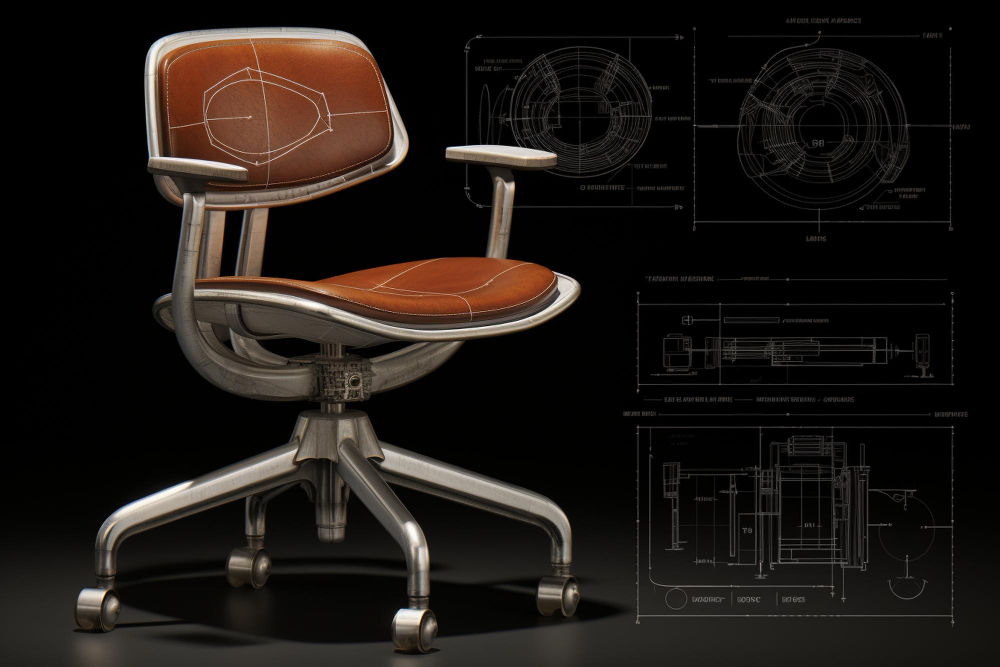
Engineering Bill of Materials (EBOM) is created by CAD technicians and reflects the product as designed. It includes detailed information about parts, assemblies, and materials derived directly from the CAD model.
Manufacturing Bill of Materials (MBOM) describes how a product is built on the shop floor. It includes all components, processes, packaging, and assembly steps required to deliver a finished product.
Sales Bill of Materials (SBOM) represents the product as it is sold. It includes sellable items and configurable product options tailored to customer requirements.
Assembly Bill of Materials (ABOM) focuses on specific assembly structures and is often used when variations or minor customizations are required.
What Information Does a BOM Contain?
A complete BOM typically includes item identifiers, descriptions, materials, quantities, suppliers, and cost information. Visual references such as images can also be included to improve clarity and reduce misinterpretation.
This structured data allows manufacturers to calculate production costs, manage suppliers, and ensure consistency across departments.
How BOMs Support Manufacturing Operations
In engineering, BOMs translate design intent into actionable production data. In production planning, they help estimate costs, control inventory levels, and align procurement with manufacturing schedules.
For purchasing and inventory management, BOMs provide a single source of truth, enabling teams to track material availability and make informed sourcing decisions.
Best Practices for Effective BOM Management
Effective BOM management starts early in the design process. Centralizing BOM data ensures that all departments work with consistent, up-to-date information.
Automation through CAD and data management software significantly improves accuracy and efficiency. Editing permissions should be controlled, while visibility remains broad to support collaboration.
All changes must be recorded and tracked to maintain traceability throughout the product lifecycle.
The Role of SolidFace BOM
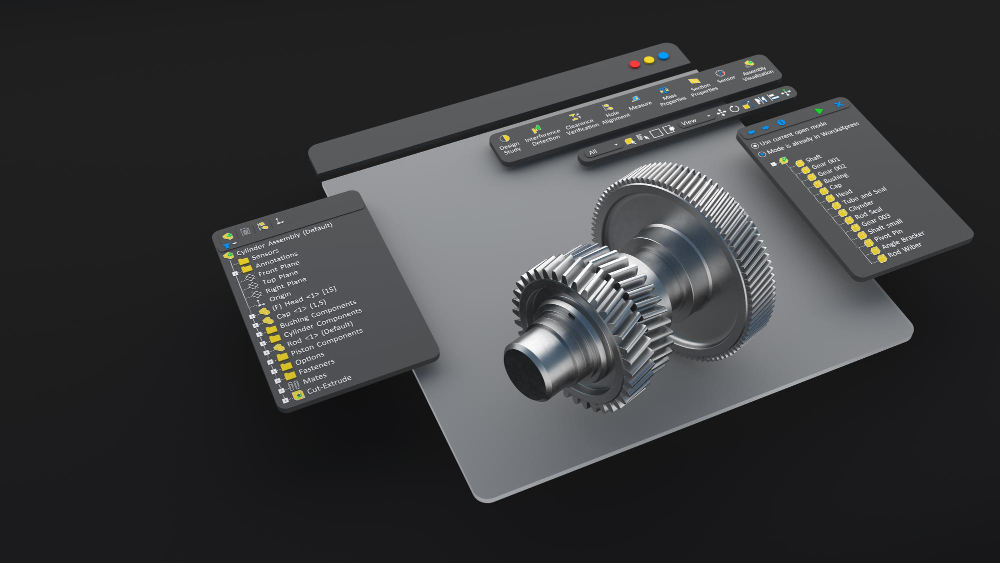
SolidFace Bill of Materials provides a clear, standardized representation of parts and materials directly from the CAD model. Designers can generate, configure, and manage BOMs while working within assemblies, ensuring real-time consistency between design and documentation.
Features such as intelligent balloon callouts, configurable BOM tables, and the ability to add non-geometric items—such as lubricants or coatings—make SolidFace BOM a practical tool for real-world manufacturing workflows.
Creating a BOM in SolidFace
Creating a BOM in SolidFace is straightforward. Designers simply open a part or assembly, insert a Bill of Materials table, select the desired BOM properties, and place it within the design environment.
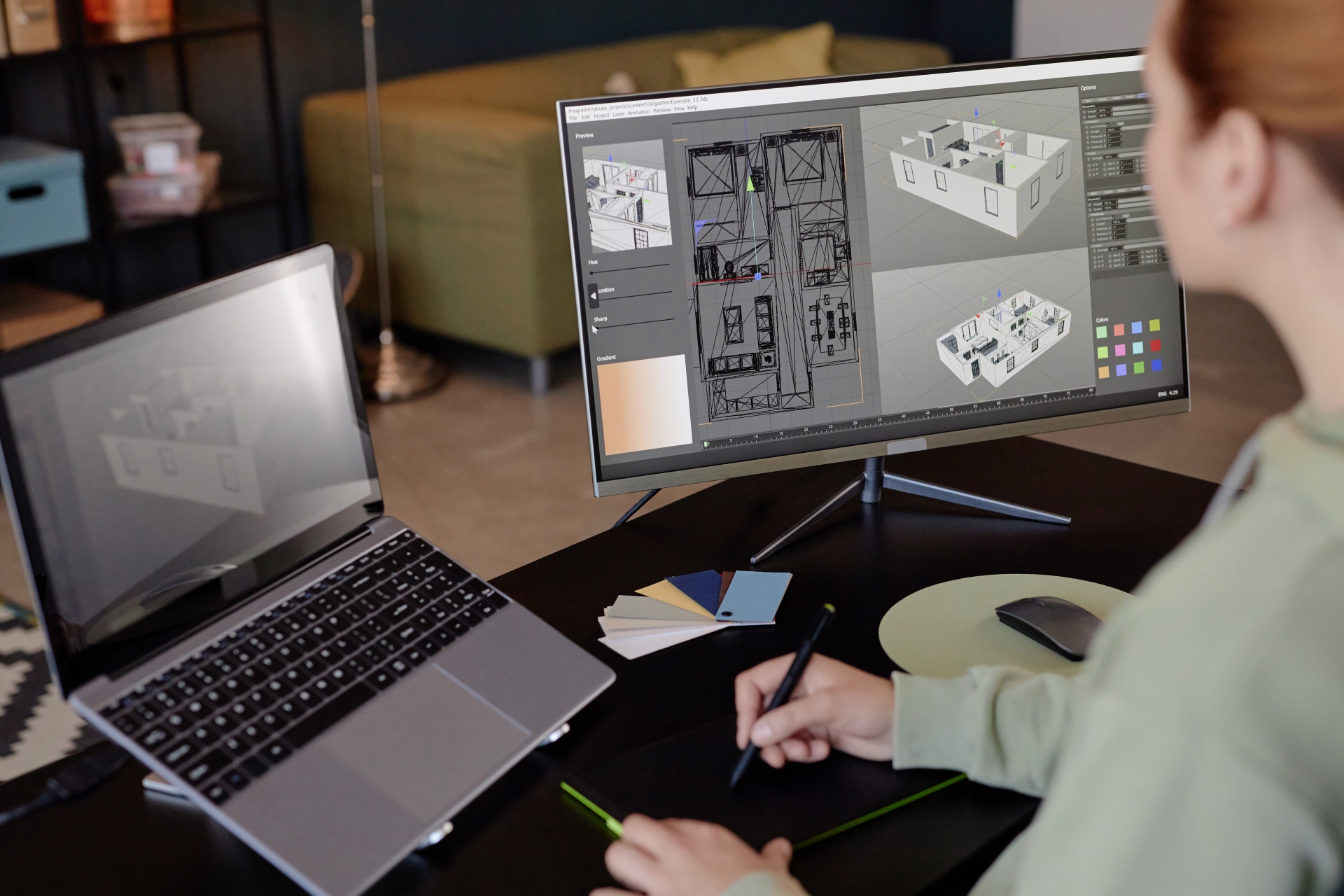
This seamless workflow allows CAD technicians to move from design to production documentation without leaving the SolidFace environment.
Conclusion
A well-managed Bill of Materials is essential for efficient manufacturing. By integrating BOM creation directly into the CAD process, SolidFace helps organizations reduce errors, improve collaboration, and accelerate the transition from design to production.
With SolidFace BOM, manufacturers gain the clarity and control needed to build products efficiently, accurately, and profitably.