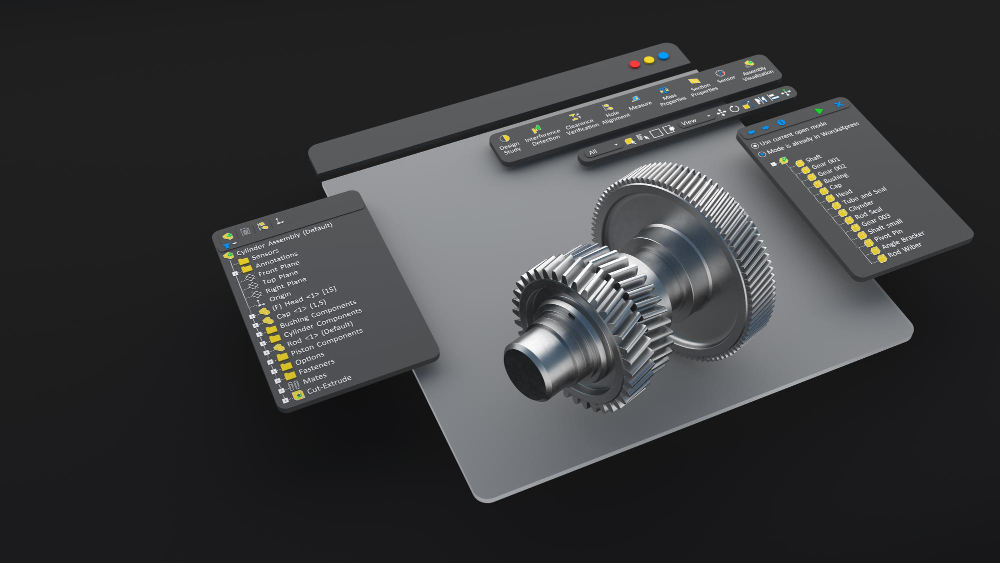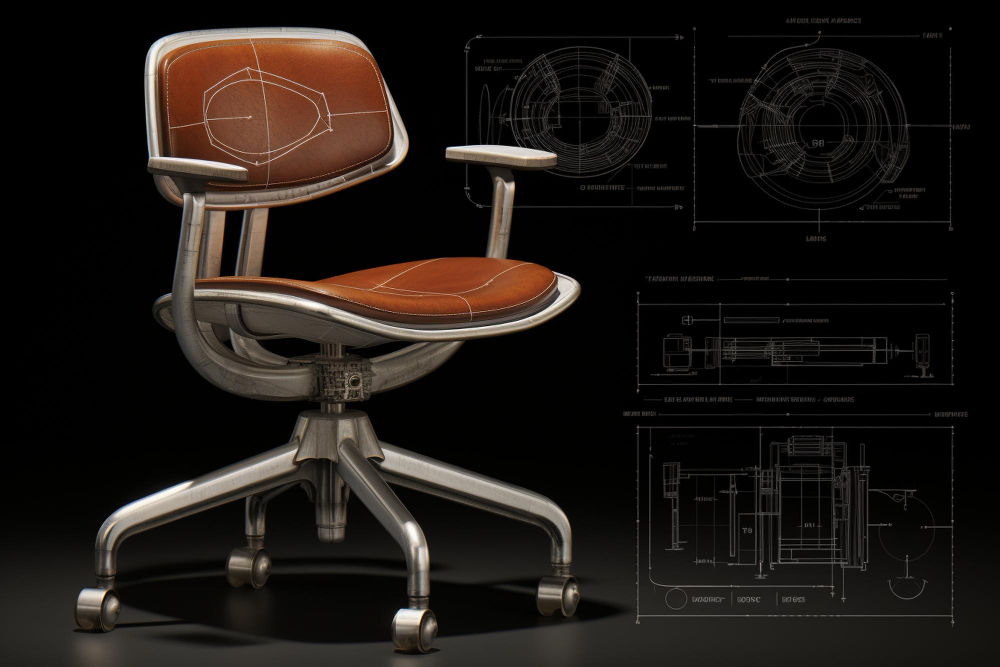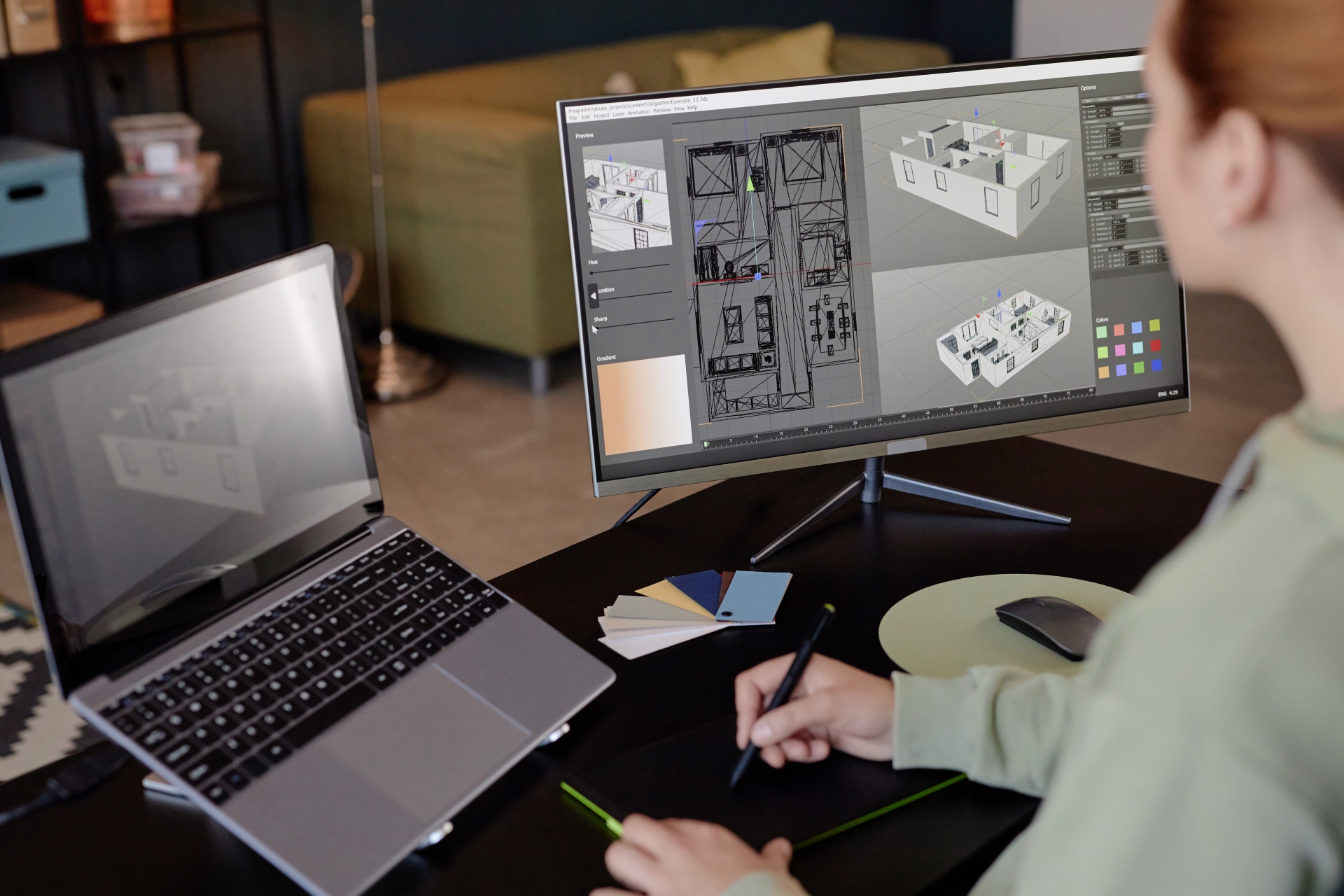
The SolidFace 3D Builder opens drawings and large assemblies in seconds, letting you view, measure and edit without loading every 3D model. This fast, lightweight workflow accelerates small edits on resource-intensive projects and improves day-to-day productivity for teams working with complex designs.
3D Builder Overview
SolidFace’s 3D Builder behaves like a high-quality preview: instant display, immediate access to measurement and annotation tools, and a highly responsive viewport thanks to modern OpenGL (4.5) and hardware-accelerated rendering. The result is smoother pan/zoom performance and faster frame rates on high-detail models.
Assembly Power
The 3D Builder supports assembly envelopes and the ability to include components from a top-level assembly into a focused sub-assembly. This means you can work on a sub-assembly in isolation while referencing higher-level parts without opening the entire top assembly, dramatically reducing open times and on-screen clutter.
Design Review and Editing of Large Assemblies
With the 3D Builder you can present, inspect, measure and publish assemblies quickly and perform linear and circular edits directly in the assembly module. Reference geometry—planes, axes, origins and coordinate systems—is available for inspection, and edits are applied only to the information required for the task, avoiding full model load and saving time.
Performance Improvements
These performance gains result from optimized data loading, GPU rendering and targeted display of reference data. By decreasing the number of parts that must be read into memory, SolidFace lowers load times while maintaining the ability to edit and validate assemblies accurately.
Collaboration and Community
One goal of the 3D Builder is to make CAD more enjoyable and social. SolidFace promotes a collaborative platform where teams across regions can connect, share work and co-develop projects. The platform supports real-time review and commenting to help distribute knowledge inside and outside the company.
How to Get Started
After installing SolidFace, activate your license (trial or paid key) and access the Learning Portal. The portal centralizes tutorials and user manuals so you can start using the 3D Builder tools immediately. Built-in tutorials and video content help you learn common workflows and advanced assembly techniques.
Learning Resources and Support
SolidFace provides documentation, a YouTube channel and live technical support channels to help new users. Tutorials cover beginner topics and advanced use cases, enabling fast onboarding for individuals and teams.
CAD, Collaboration and Modern Workflows
Today’s CAD professionals need both design skills and collaborative practices. SolidFace integrates design, data management and collaboration so teams can work concurrently without complex PDM setups. The platform simplifies sharing, review and iteration across distributed groups.
Leverage the Collaborative Module
SolidFace Collaboration is designed to replace fragile file-sharing workflows. It’s not a simple file host—think of it as Google Docs for CAD—where every team member works in the same environment and follows standardized company processes to avoid data loss and version confusion.
Data Management and Small Business Impact
Small and mid-sized businesses benefit most from collaboration: simplified processes, fewer errors, reduced time spent on IT, and the ability to scale operations. SolidFace collaboration reduces the need for expensive PDM installations while delivering the core benefits of centralized version control and access management.
PDM vs Collaboration
Traditional PDM solutions are powerful but often expensive and complex. SolidFace Collaboration offers a lighter, modern alternative that covers essential lifecycle control—access rights, version history and secure sharing—without the heavy implementation and maintenance costs associated with classic PDM systems.
Cloud Options and Security
SolidFace supports both cloud and on-premise deployments and partners with AWS and Azure for hosted solutions. These cloud vendors provide scalable infrastructure, optimized networking and managed services so customers can focus on design work instead of server administration. Private cloud deployments enable secure vaults and controlled access tailored to company policies.
Costs and Practical Considerations
Collaboration is affordable compared with full PDM implementations. By evaluating the cost of ownership—including hosting, maintenance and productivity gains—many teams find SolidFace Collaboration to be a pragmatic and cost-effective route to modern CAD workflows.
Instant Onboarding and Implementation
SolidFace enables quick provisioning of new collaborators—employees, contractors or suppliers—so teams avoid lengthy setup delays. Instant access keeps projects moving and reduces time-to-productivity for new hires.
Stay Current and Improve Your CAD Skills
To be a top CAD professional, keep up with trends, best practices and software updates. Standardize workflows, use the latest SolidFace release, read industry publications and adapt processes as needs evolve. Monitoring trends helps you remain competitive and ready to explain your approach in interviews and client meetings.
Conclusion
The SolidFace 3D Builder combines speed, editability and real-time collaboration to make large assembly design and review faster and less resource-intensive. By reducing model load, leveraging GPU acceleration and providing cloud collaboration, SolidFace helps teams deliver higher quality work with less overhead. If you want to modernize your CAD workflow and improve team productivity, SolidFace offers a practical, scalable solution.