In the dynamic world of design and engineering, the ability to seamlessly convert PDF files into editable CAD formats has become an indispensable tool for design technicians. This capability significantly streamlines workflows, allowing for greater flexibility and efficiency in both 2D and 3D design projects.
Embracing PDF to CAD conversion is a game-changer, especially when facing tight deadlines. It alleviates considerable design burdens, making the overall process smoother and more manageable.
Why PDF to CAD Conversion is Essential
The necessity of converting PDF files to CAD extends beyond mere convenience; it fosters enhanced collaboration and simplifies data exchange. By eliminating the need to transfer large, native CAD files, PDFs offer a lightweight and universal format for sharing designs with clients, colleagues, and remote teams.
Crucially, PDFs safeguard design integrity. As they are not easily alterable, designers can confidently share their work, knowing that the visual representation of their designs remains consistent and secure across all viewers. This also simplifies online portfolio creation and remote viewing, making designs accessible on various devices without specialized software or extensive storage.
The Advantages of PDF as a Source Format
PDFs have emerged as the preferred medium for design exchange due to their unparalleled data display consistency across any device or operating system. Their universal accessibility means nearly every computer can open a Portable Document Format file.
Beyond accessibility, PDFs are designed to uniformly display both raster and vector graphics, providing a reliable snapshot of a design. This fidelity is particularly valuable when original CAD files are misplaced or unavailable, allowing designers to reconstruct or reference crucial information from the PDF.
Understanding the Conversion Process
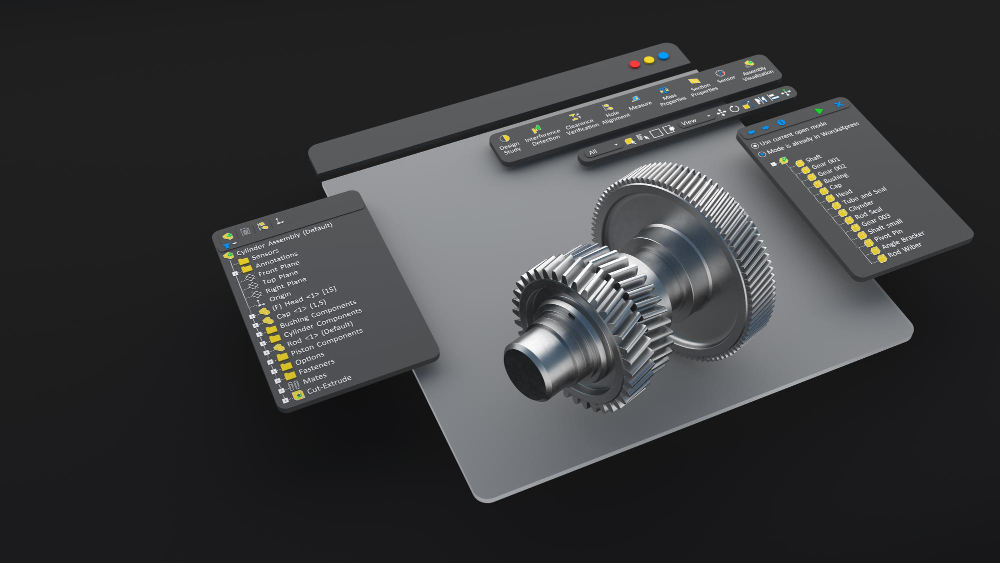
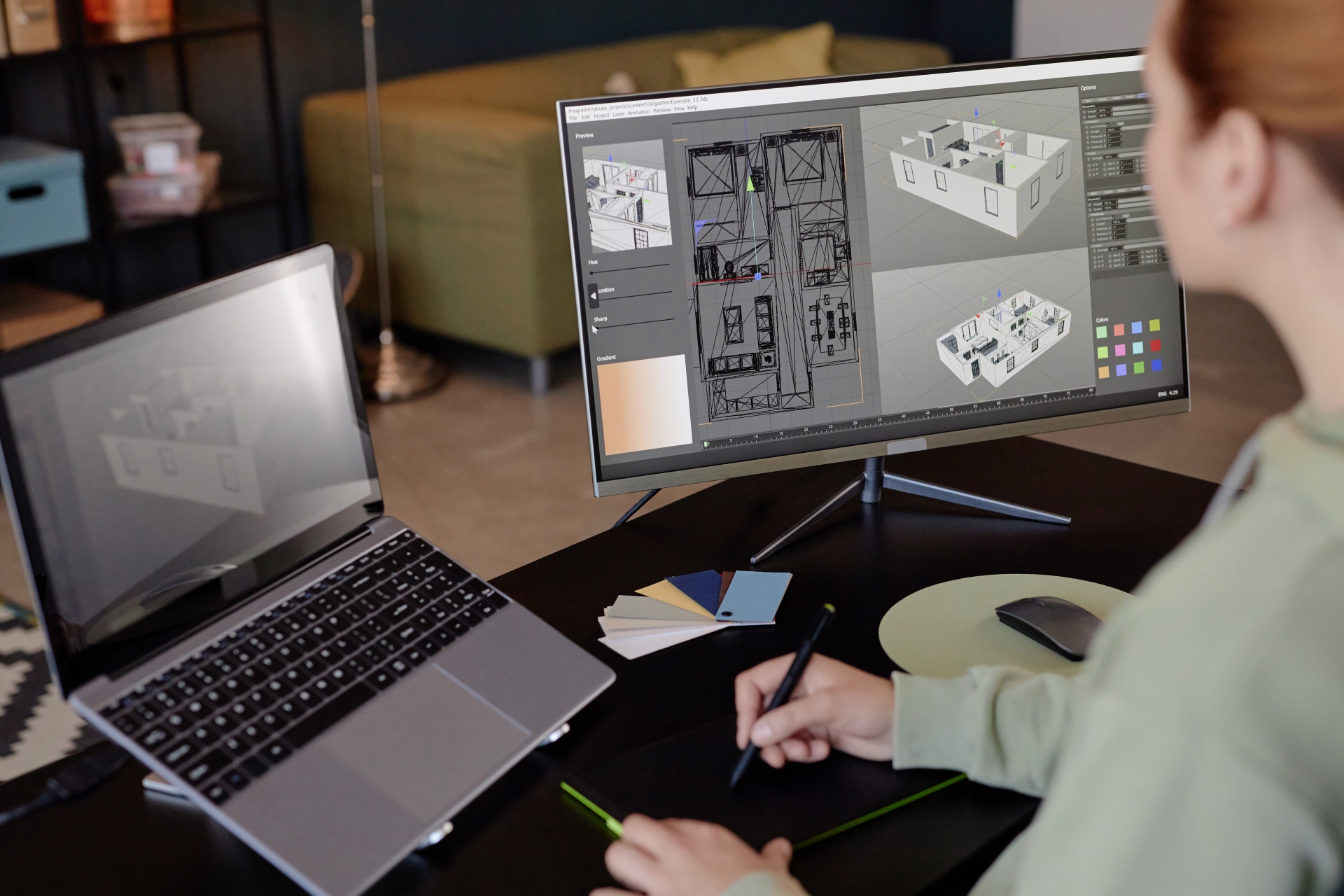
At its core, PDF to CAD conversion involves transforming a PDF file into the native editable format of your chosen CAD software. This allows you to work directly with the geometry, text, and other elements within a familiar CAD environment.
While many CAD packages offer this functionality, dedicated conversion tools provide specialized features. For those exploring CAD software options, platforms like SolidFace offer robust capabilities for both design and conversion needs.
A Note on CAD to PDF Conversion
The inverse process, converting 2D or 3D CAD drawings to PDF, is equally common and typically executed directly from your CAD software. Numerous online conversion tools also facilitate this, often offering features like direct email delivery of converted files.
When selecting a CAD to PDF converter, prioritize security features. Look for tools that allow you to apply watermarks over your designs and secure your PDFs with passwords, ensuring controlled access and protecting your intellectual property.
What to Expect in a CAD-Derived PDF
A PDF file generated from CAD designs typically comprises several key elements:
Text: Annotations, dimensions, and labels are generally well-preserved.
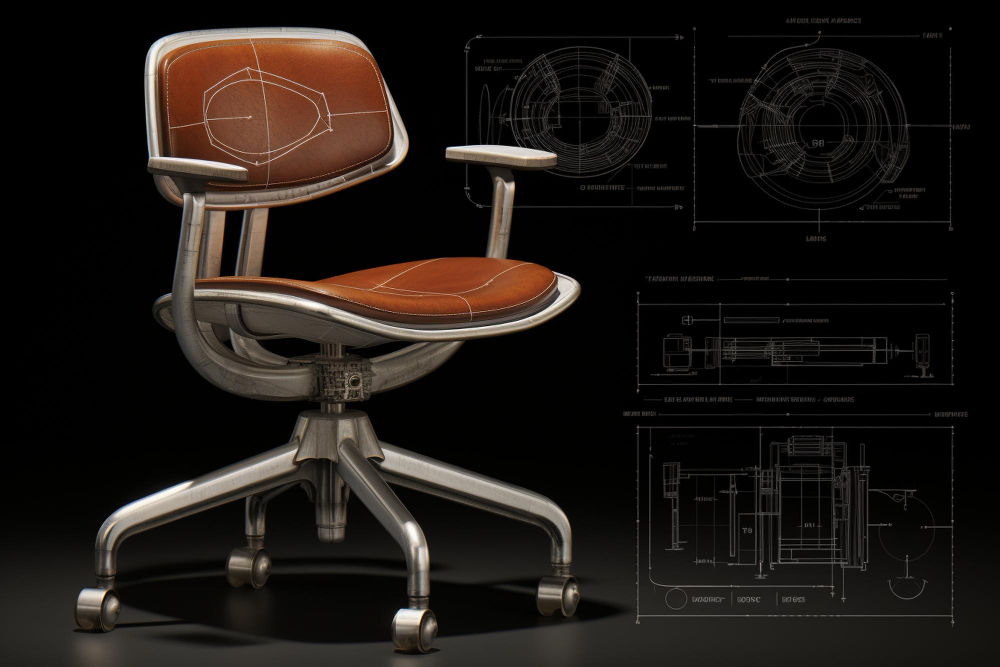
2D and 3D Designs: PDFs can contain both 2D and 3D graphic data. It’s important to note that converting 2D designs to CAD often yields superior, more accurate results than converting complex 3D models.
Vector and Raster Images: The PDF may include both scalable vector graphics (lines, arcs, polygons) and pixel-based raster images (scanned drawings, photos).
Key Considerations for PDF to CAD Conversion
While highly beneficial, PDF to CAD conversion isn’t without its challenges. It’s crucial to be aware of potential limitations to ensure the best possible outcome:
Geometric Precision: One common issue is the accurate transformation of curves and arcs. A circle in a PDF, for instance, might be represented as a series of short, interconnecting line segments in the converted CAD file, rather than a true parametric arc. This often necessitates manual recreation of these elements in CAD, impacting efficiency.
Raster Image Uniformity: While raster images maintain uniformity when embedded in a PDF, this consistency doesn’t always translate back perfectly during PDF to CAD conversion. Raster elements may require post-conversion cleanup or re-insertion for optimal display and editability within the CAD environment.
To mitigate these challenges, selecting a high-quality conversion tool is paramount. A superior converter will employ advanced algorithms to interpret and reconstruct geometry as accurately as possible, minimizing the need for extensive manual rework. Always verify the converted CAD file against the original PDF to ensure critical design elements have been faithfully translated.